
What’s Included
- Files: 2 files – Figma (.fig) and PDF (.pdf)
- Resolution: 1440×5000 px desktop artboard
- License: Personal/Commercial
- Compatibility: Figma (web/desktop 2023+) and any PDF reader
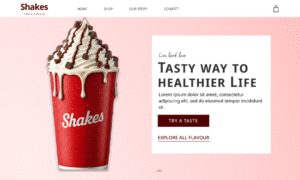
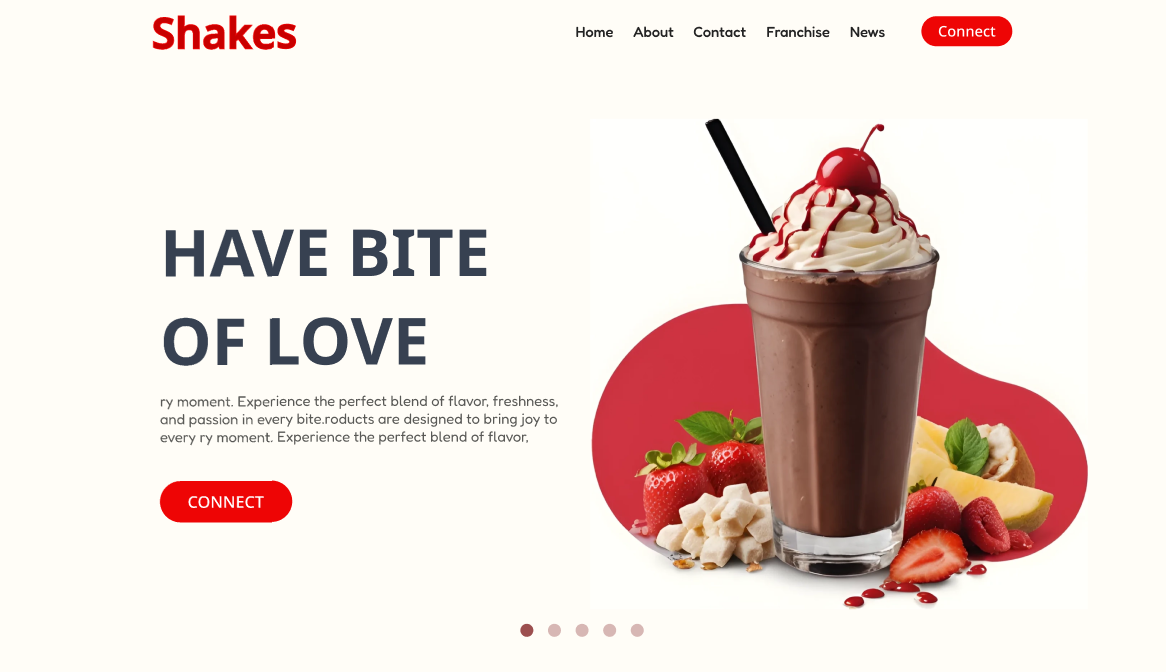
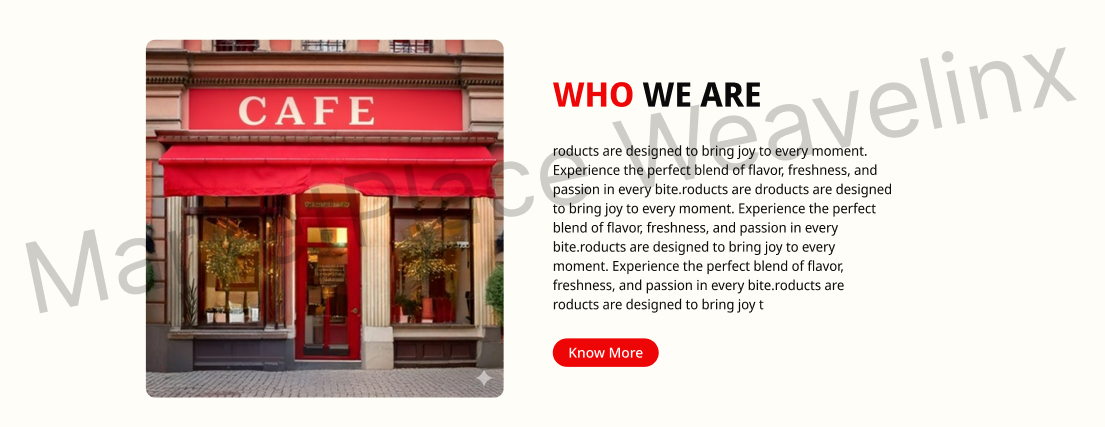
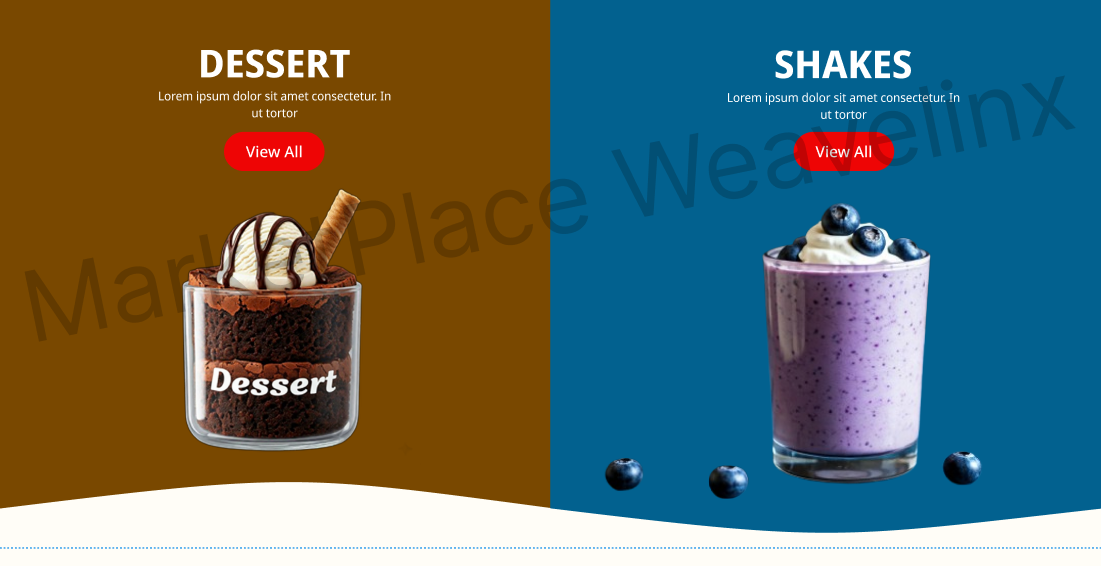
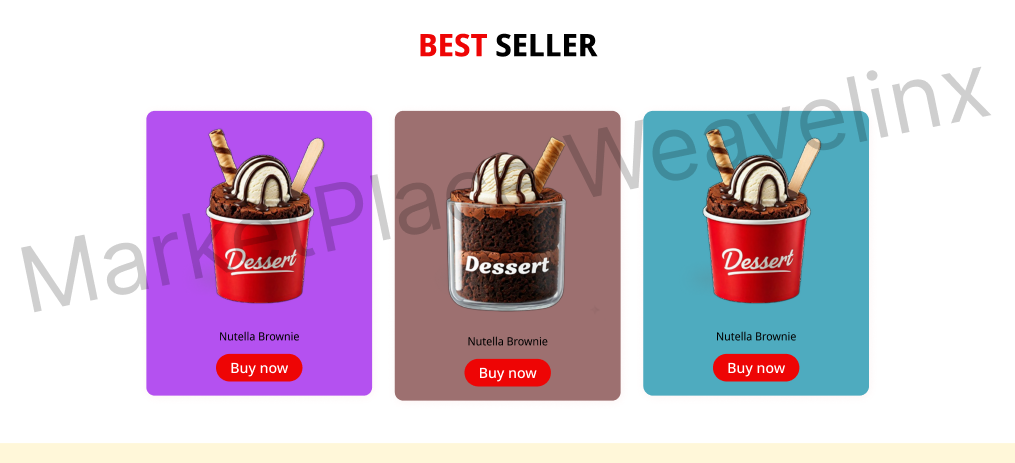
Design and ship a cafe site faster with a focused milkshake landing page Figma template built for real content sections and clean handoff. The layout mirrors a full marketing page: hero, category promos, best sellers, process, social proof, store locator, stories, franchise CTA, and footer, all arranged for quick edits and rebrands.
Key Features – milkshake landing page Figma
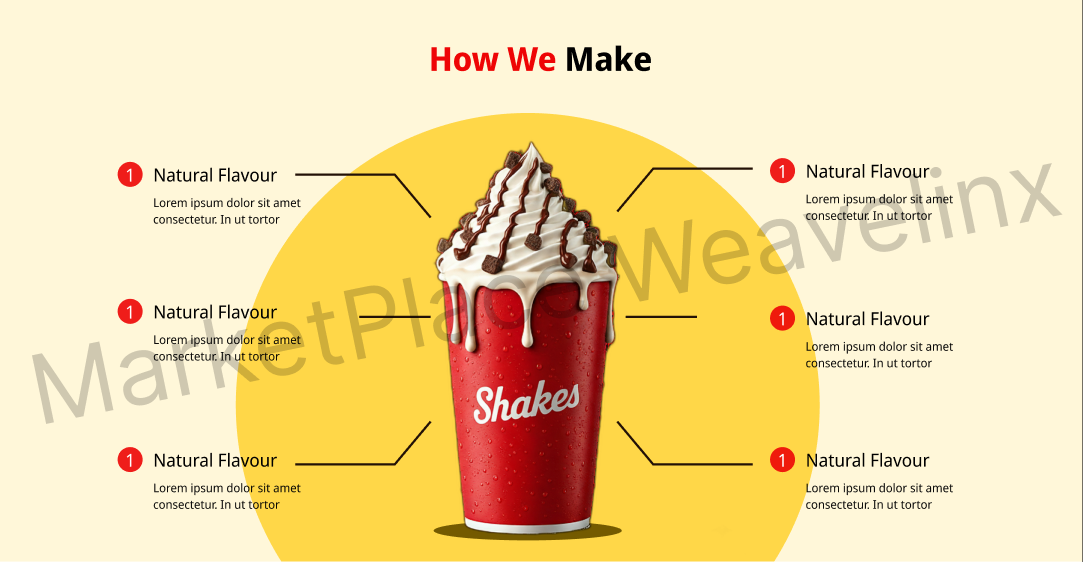
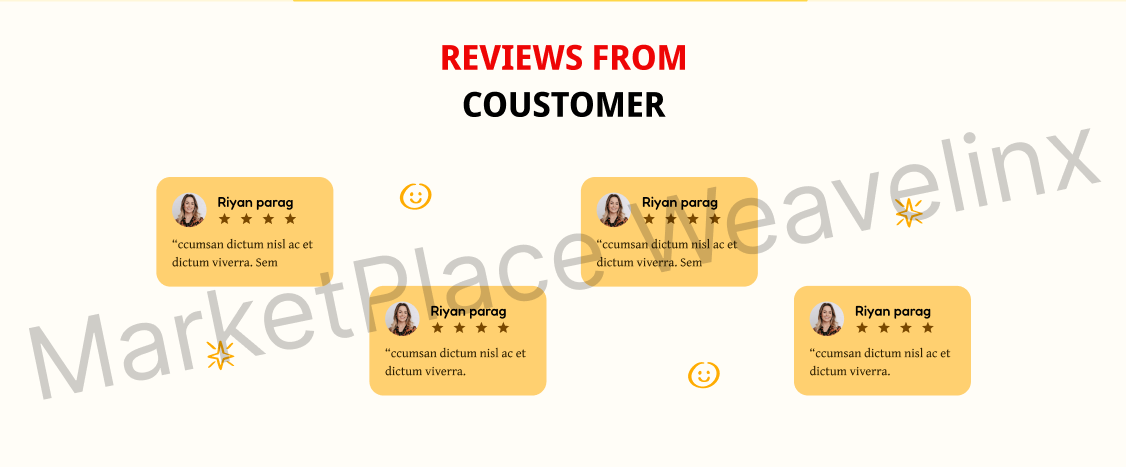
Sectioned flow: 12 clearly named sections map to common marketing needs—headline, dessert/shakes highlights, product cards, how‑it’s‑made steps, reviews, store finder, stories, and CTA—so your copy drops in without layout changes.
Component library: 28 reusable components with practical variants, including navigation, buttons (3 sizes, 2 states), badges, rating stars, product cards, testimonial blocks, blog tiles, and map pins—edit once, update everywhere.
Auto Layout & constraints: Frames use Auto Layout for predictable spacing, responsive resizing, and fast duplication, making it easy to add items or tweak content density without manual nudging.
Design tokens: Global color and text styles let you swap brand colors and type in minutes; apply styles to buttons, cards, and headings to keep typography and contrast consistent.
Grid-based structure: A 12‑column, 1440px grid with an 8px spacing system keeps alignment tight and exports clean, whether moving to Webflow, WordPress builders, or custom code.
PDF handoff: The included PDF summarizes sections, notes key measurements, and lists components for quick stakeholder review or developer kickoff.
Perfect For
- Cafe and dessert brands validating a landing before full site build
- Agencies and freelancers needing a fast, client‑ready starting point
- No‑code builders moving designs into Webflow or page builders
- Junior designers practicing components, variants, and Auto Layout
Requirements
- Free Figma account (latest version) and basic knowledge of components
- Any PDF reader for the handoff document
Quick Setup
- Open the .fig file and review the Pages: Cover, Components, and Landing.
- Update color and text styles to match your brand.
- Swap product images and edit copy in each section.
- Export assets or hand off with the included PDF.
Ready? Add to cart now.