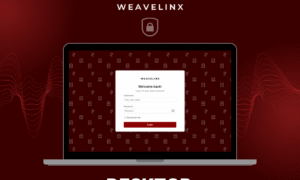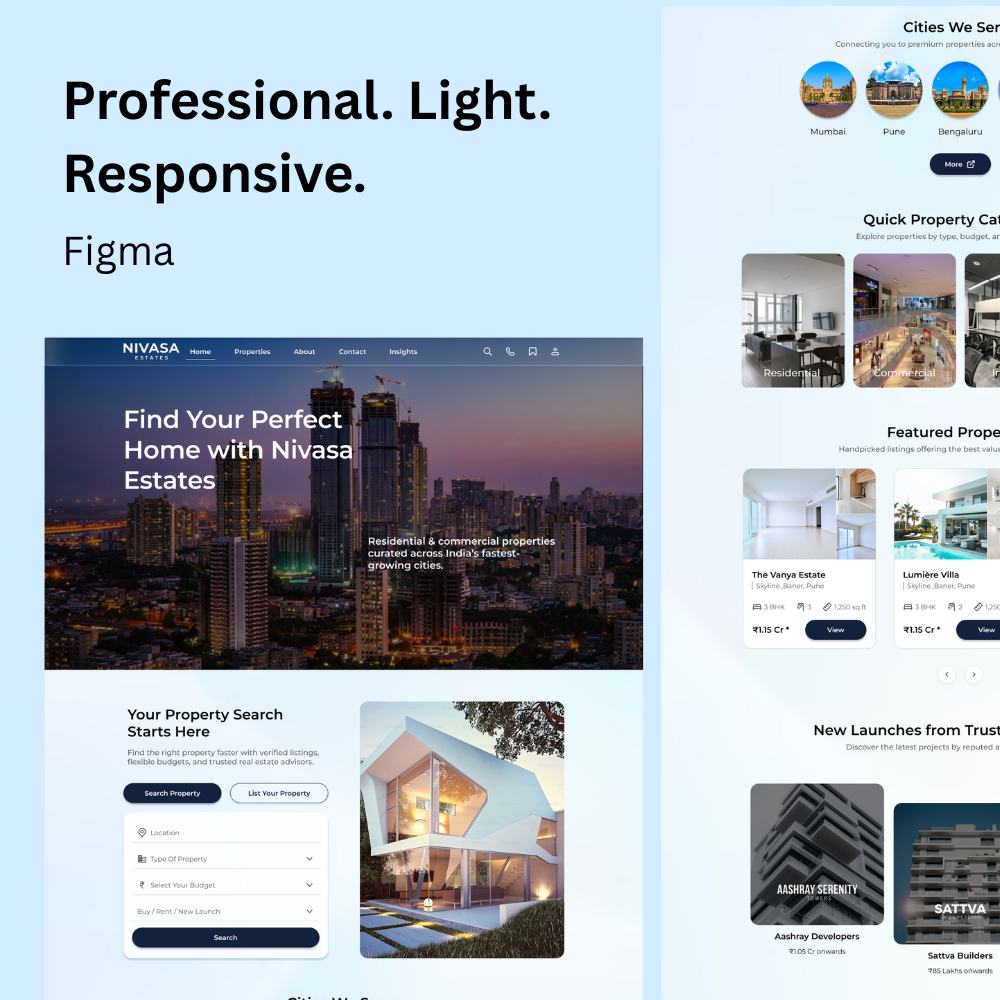
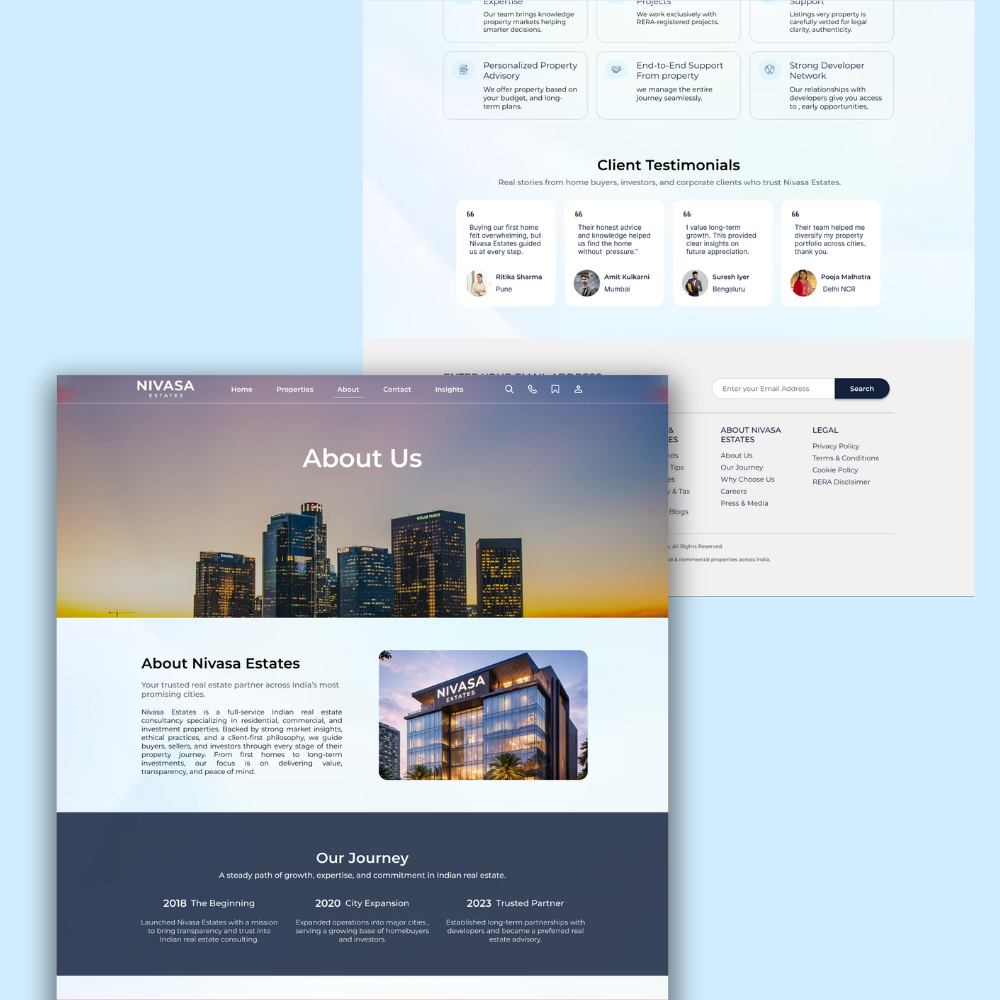
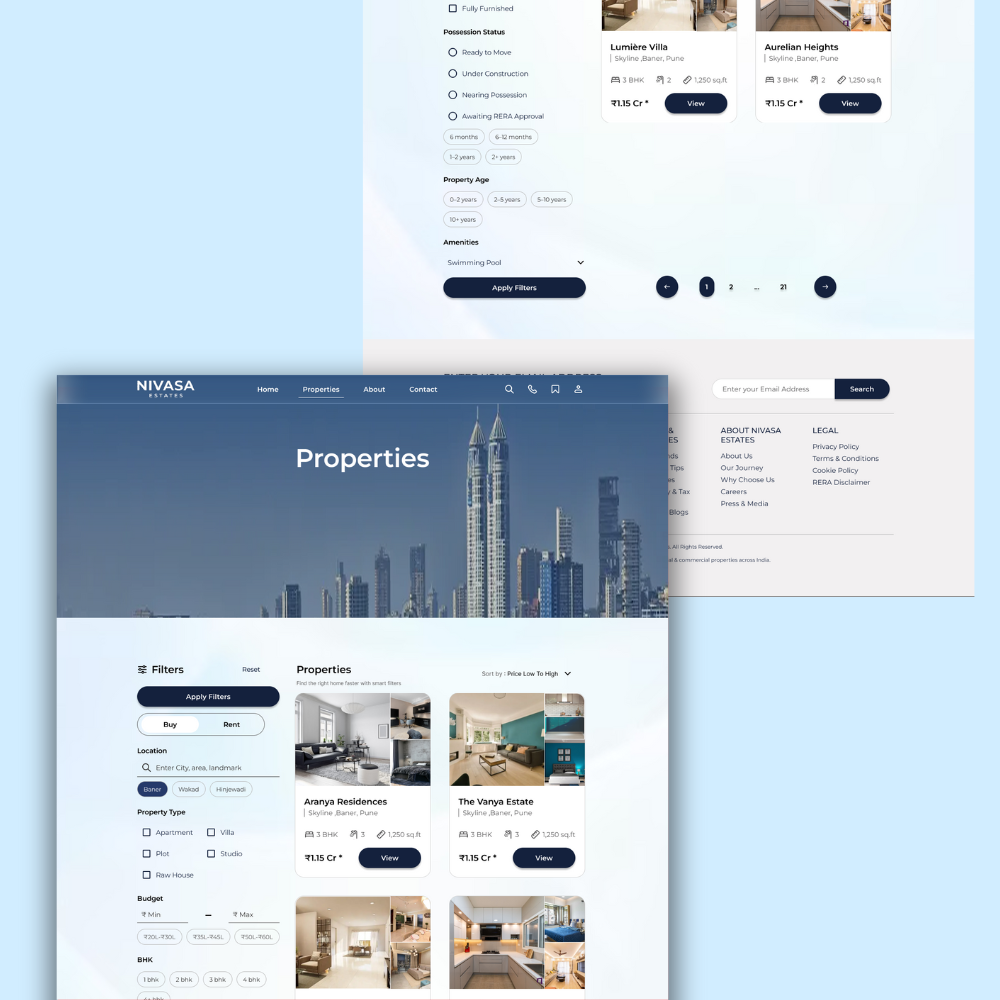

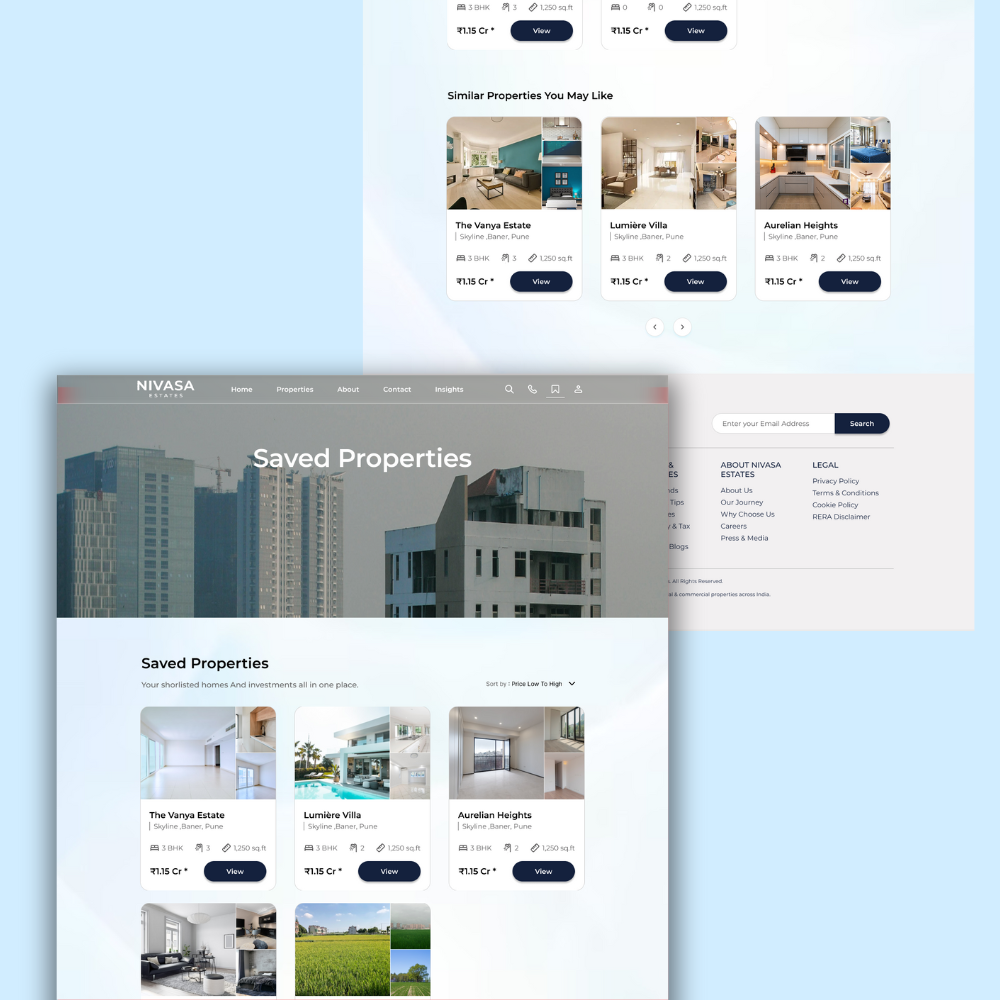
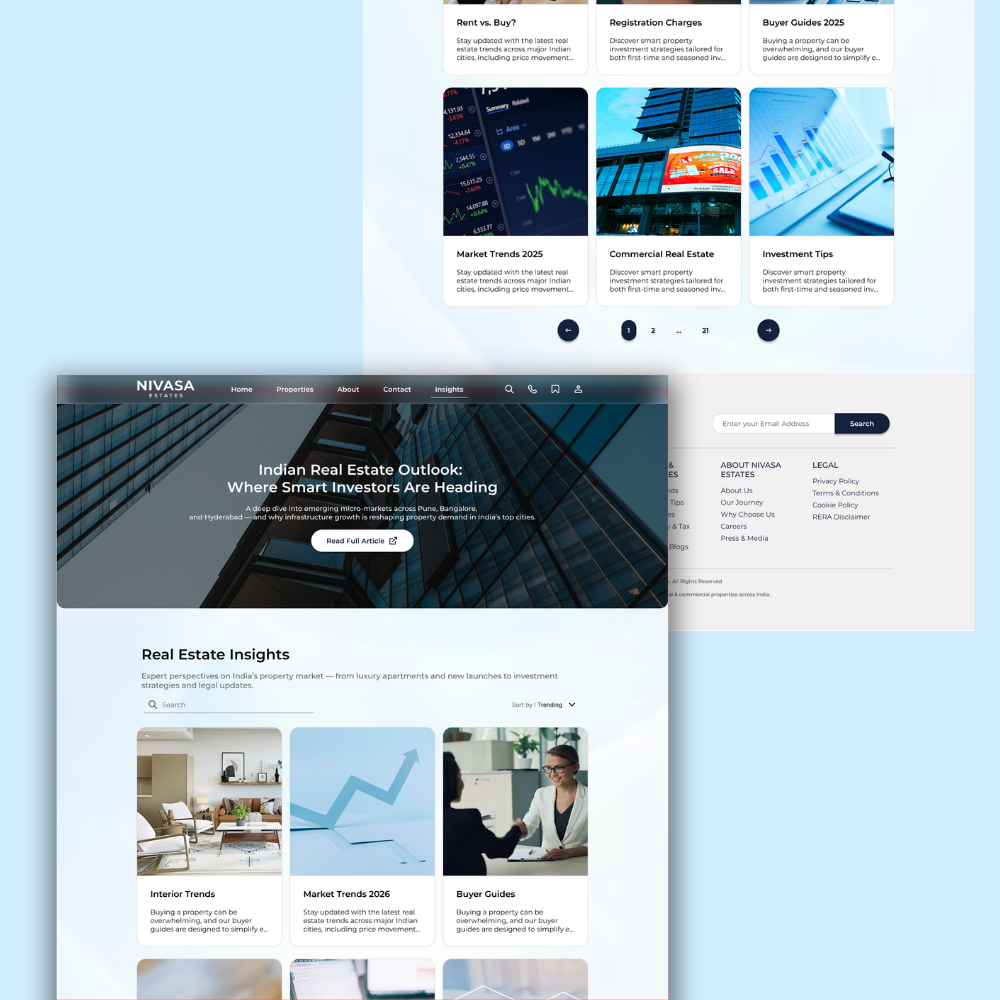
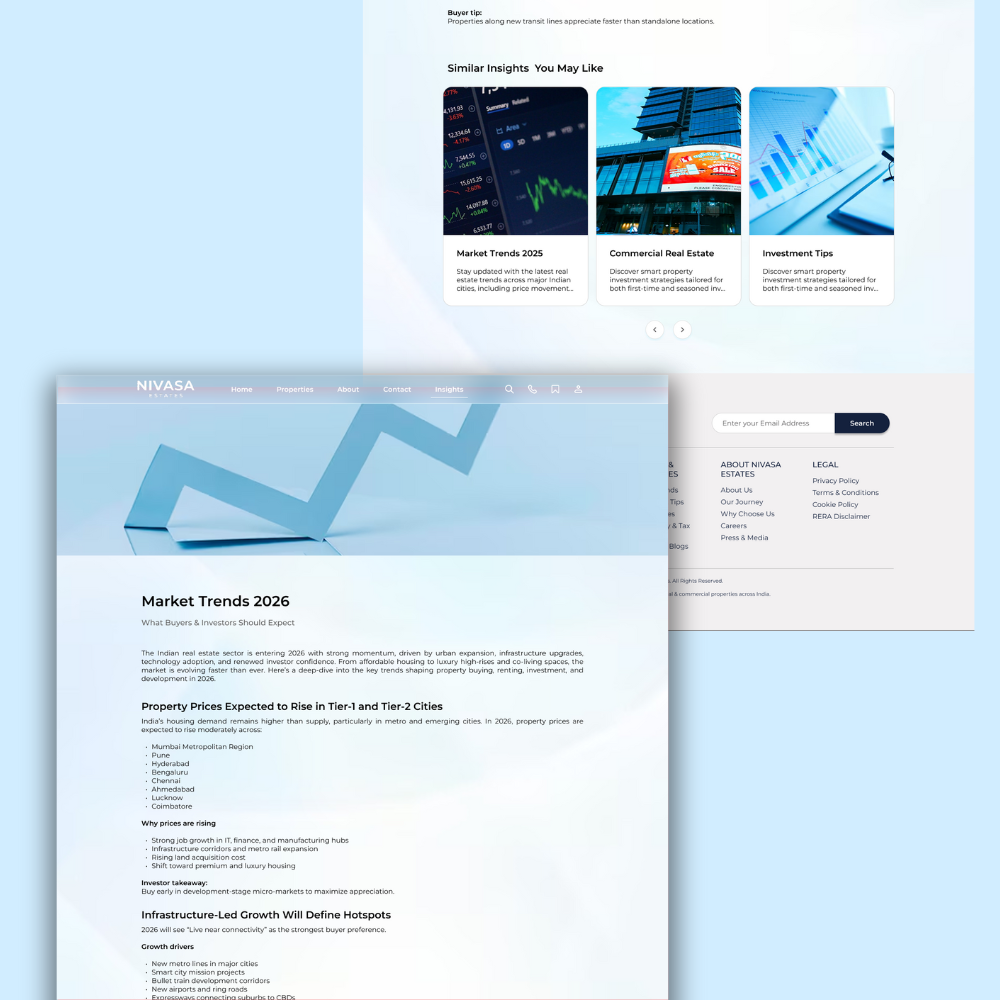
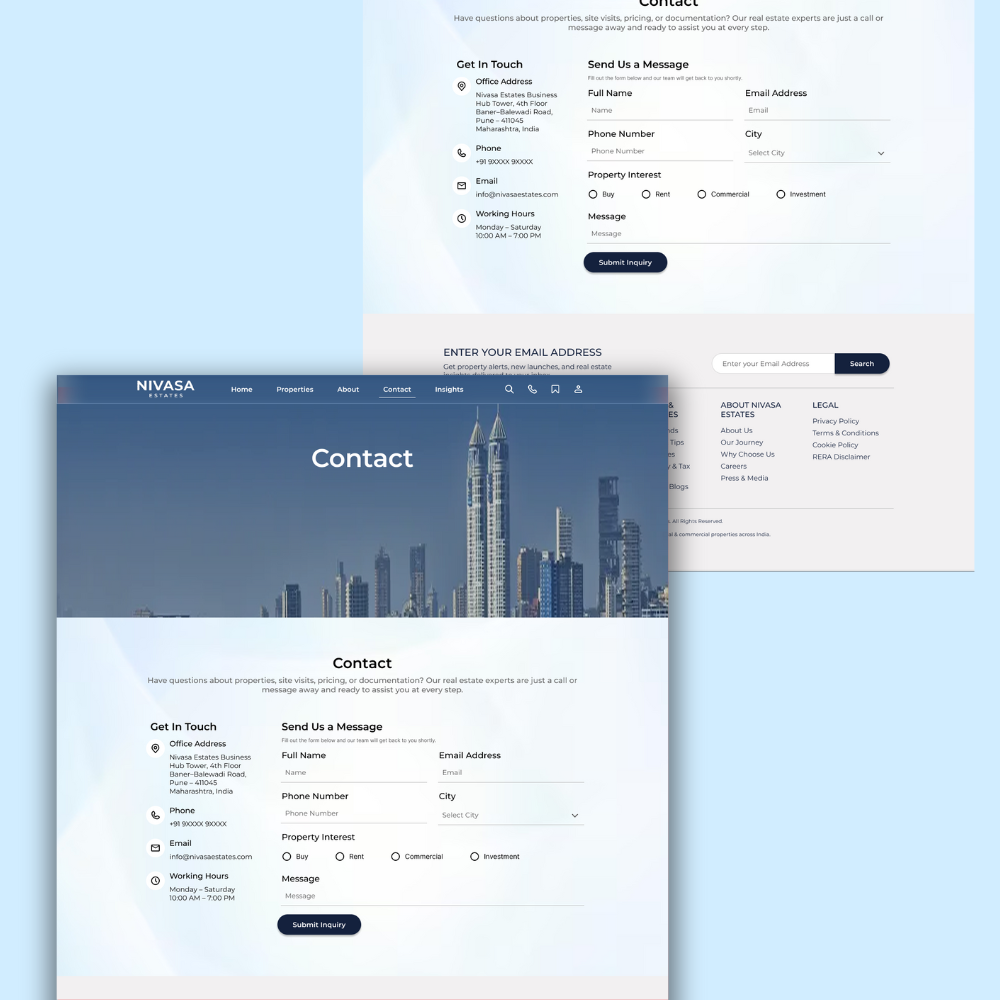
This Figma UI kit provides 10+ editable screens for a property listing portal like Nivasa Estate. It includes designs for home, about, contact, public listings, login, accounts dashboards, blogs, saved properties, single property, and single blog pages. All screens use 1440px layouts with mobile responsive adaptations. Use it to build functional real estate sites with personal or commercial free license.
Start with the home screen for property showcases and search. Move to public listings for grid or list views of available homes. Dashboards handle user accounts with saved items. Blogs support content marketing for properties. Edit layers in Figma to match your brand.
The kit speeds up design by offering ready components. Screens connect logically for user flows from search to details. Responsive designs fit desktop and mobile without extra work. Free license allows full use in projects.
What’s Included
- Files: 10+ Figma screens
- Resolution: 1440px desktop, mobile responsive
- License: Personal/Commercial free use
- Compatibility: Figma
Key Features
10+ Editable Screens: Home, about, contact, listings, login, dashboards, blogs, saved properties, single property, single blog for complete portal flows.
1440px Layouts: Full desktop designs with mobile responsive variants to cover multiple devices.
Layered Figma Files: Organized components for easy customization and prototyping.
Property-Focused Flows: From search and listings to user dashboards and details pages.
Free License: Use in personal projects or commercial sites without restrictions.
Quick Prototyping: Copy screens into your Figma file and adjust colors, text, images.
Perfect For
- Real estate developers building listing portals
- Freelance designers creating property sites
- Agencies prototyping client real estate apps
Requirements
- Figma account (free version works)
Quick Setup
- Download Figma file from purchase.
- Open in Figma and duplicate screens to your project.
- Edit text, images, colors as needed.
- Export assets or prototype flows.
- Integrate with your frontend build.
Ready? Add to cart now.