Plantora Plant Nursery Website UI for Figma
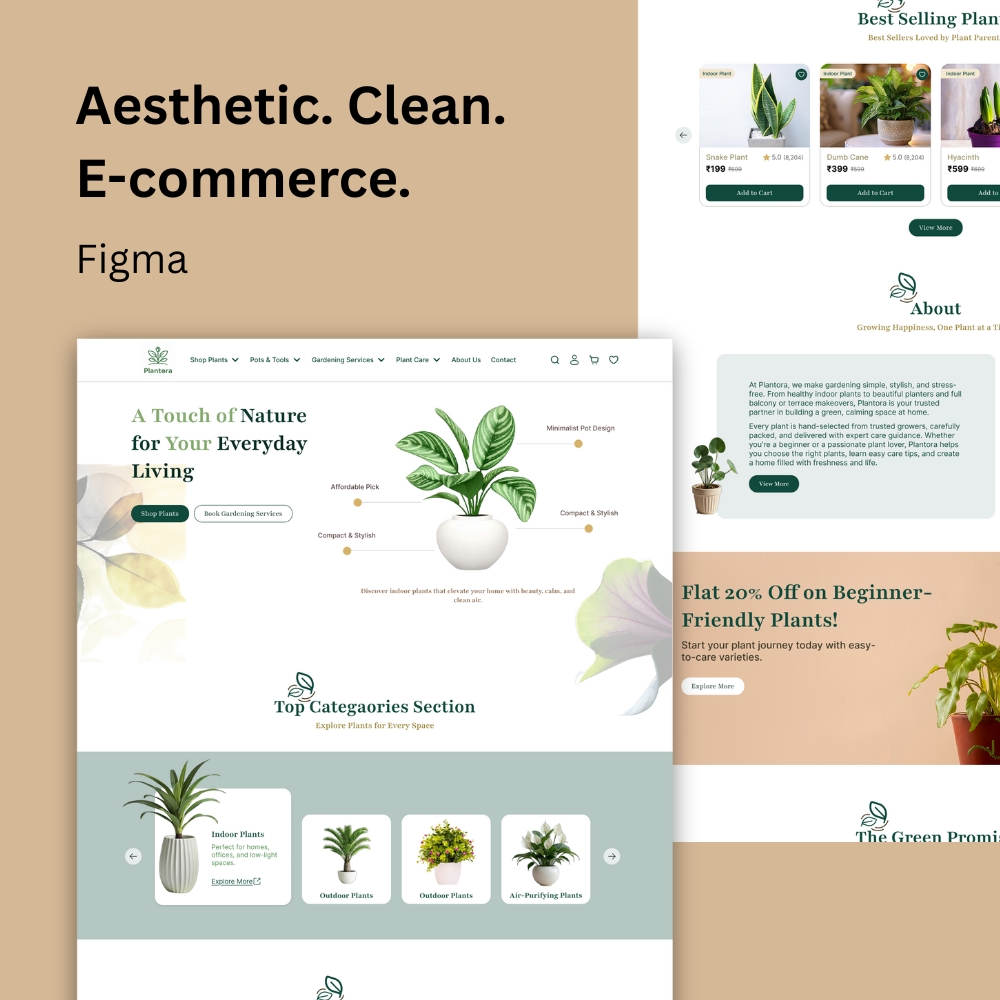
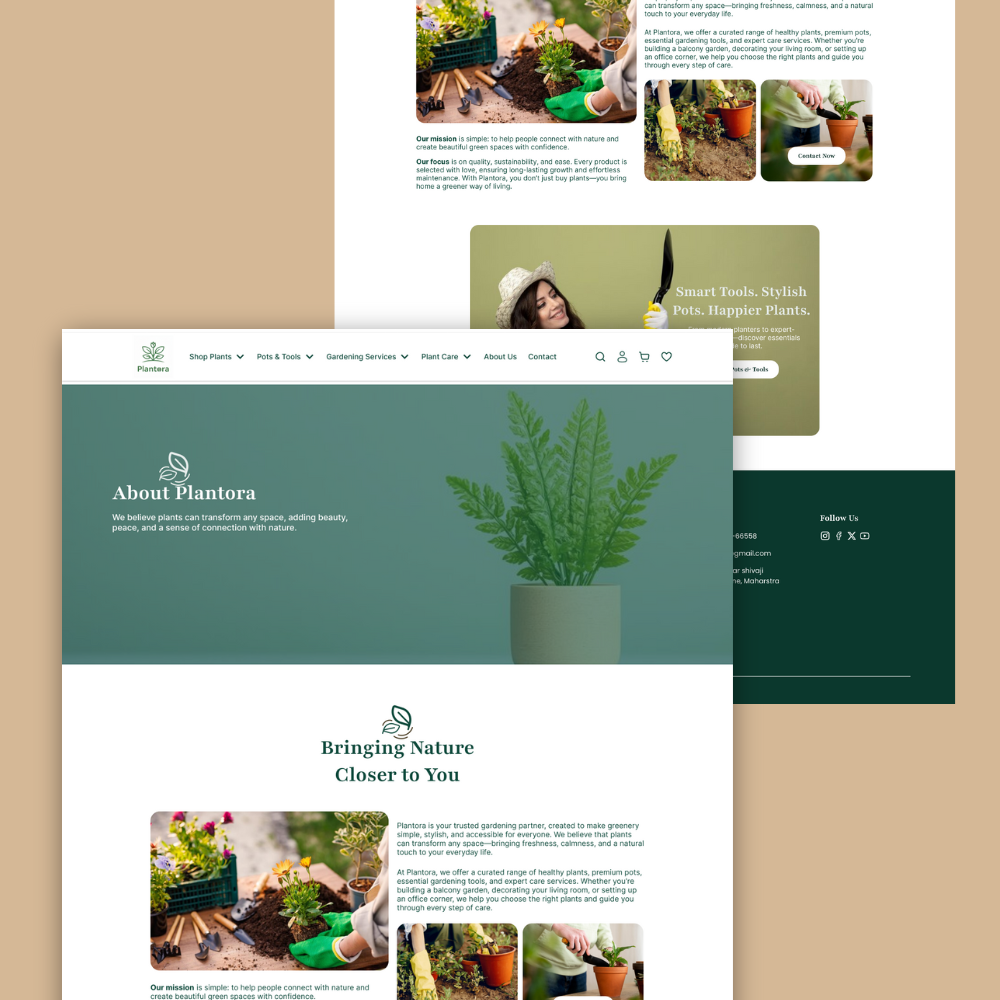
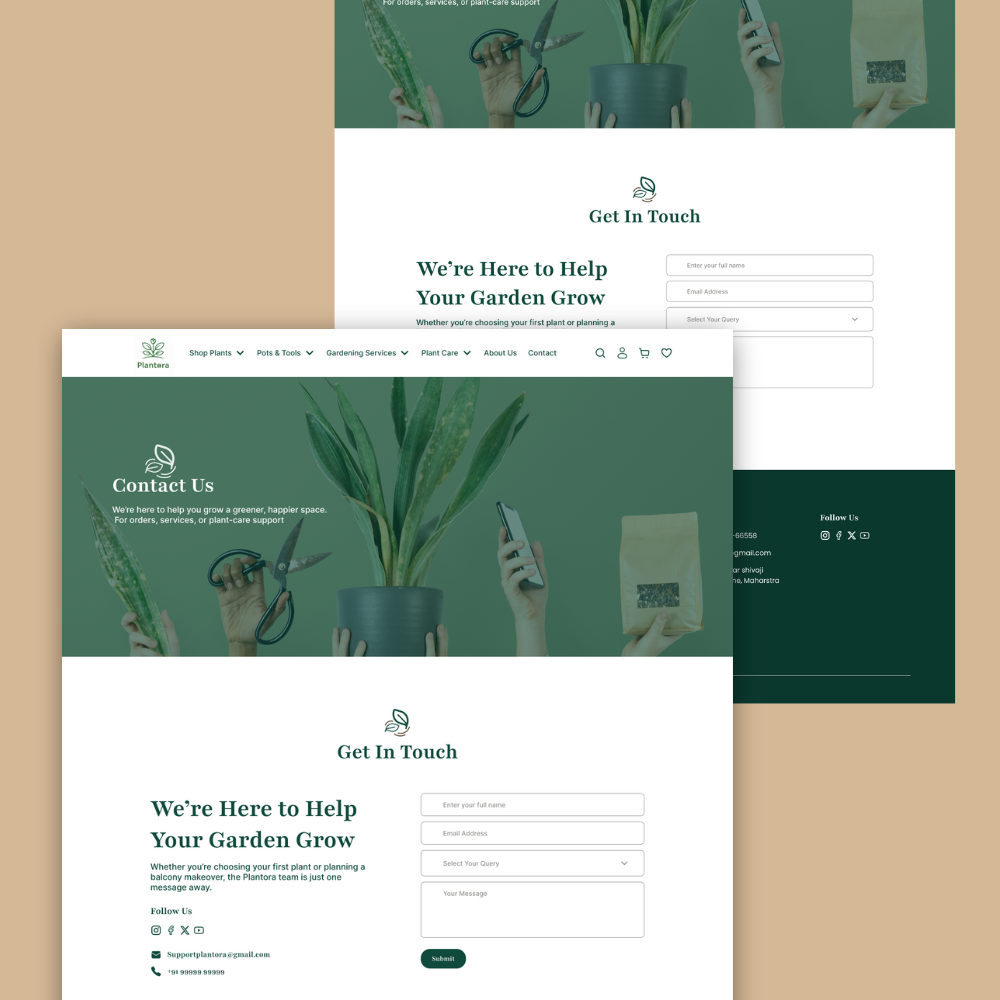
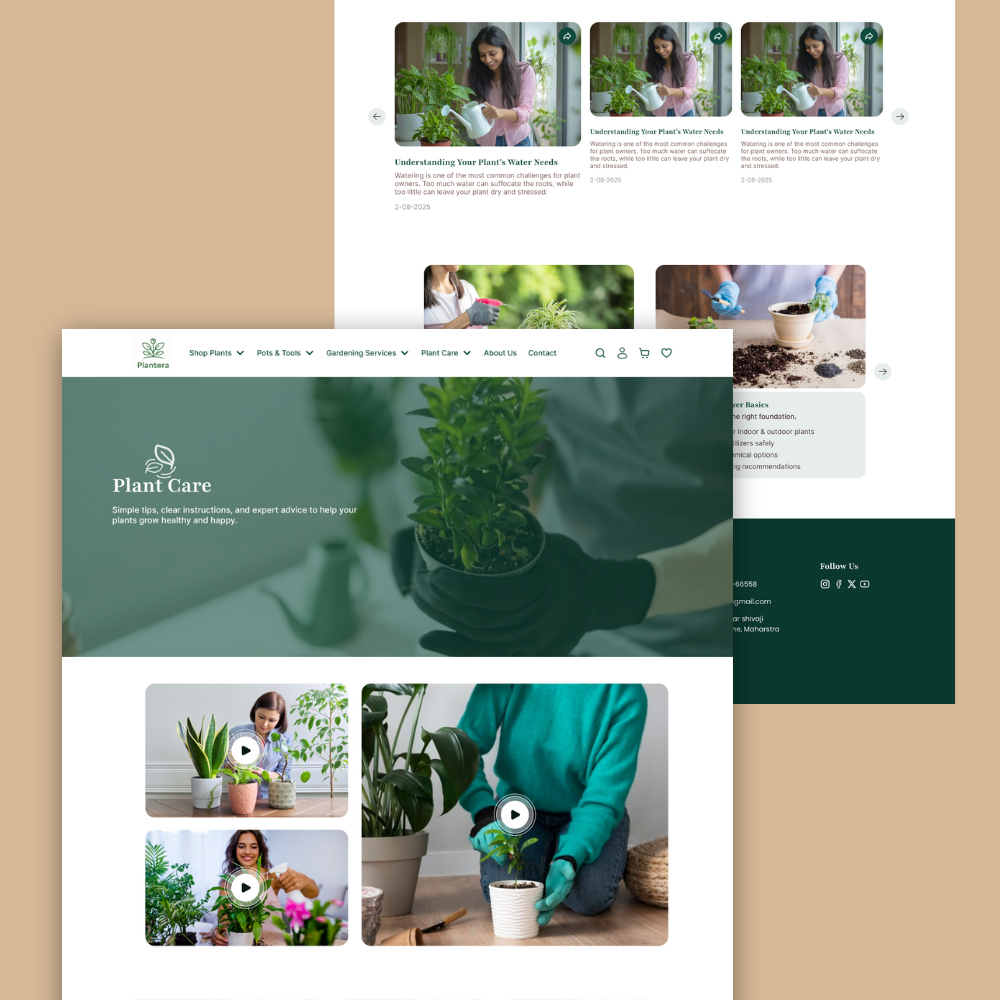
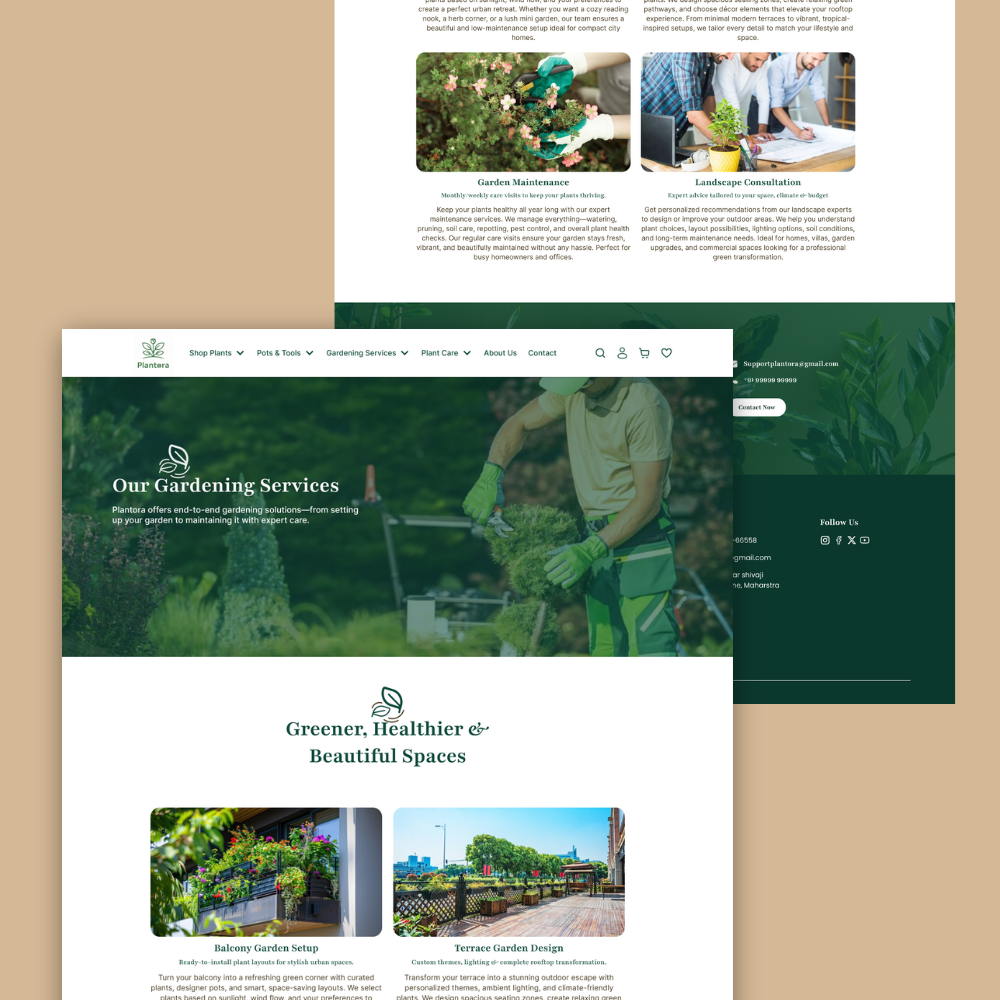
Plantora is a full website UI design for a fictional plant nursery ecommerce brand, created as a desktop experience in Figma. It gives you a ready-made structure for a plant shop website, with pages for browsing products, managing the cart, and handling customer accounts. This is a complete website UI design file, not a multi-platform UI kit, so you get focused, production-ready layouts for web.
What’s Included
- Files: 1 Figma file with 20+ desktop website pages, including shop, cart, checkout, account, and policy pages.
- Resolution: Desktop layouts designed at 1440px width using a consistent grid and spacing scale.
- License: Personal and commercial use for one website or client project.
- Compatibility: Works with Figma web and desktop apps; supports components and auto layout.
Key Features
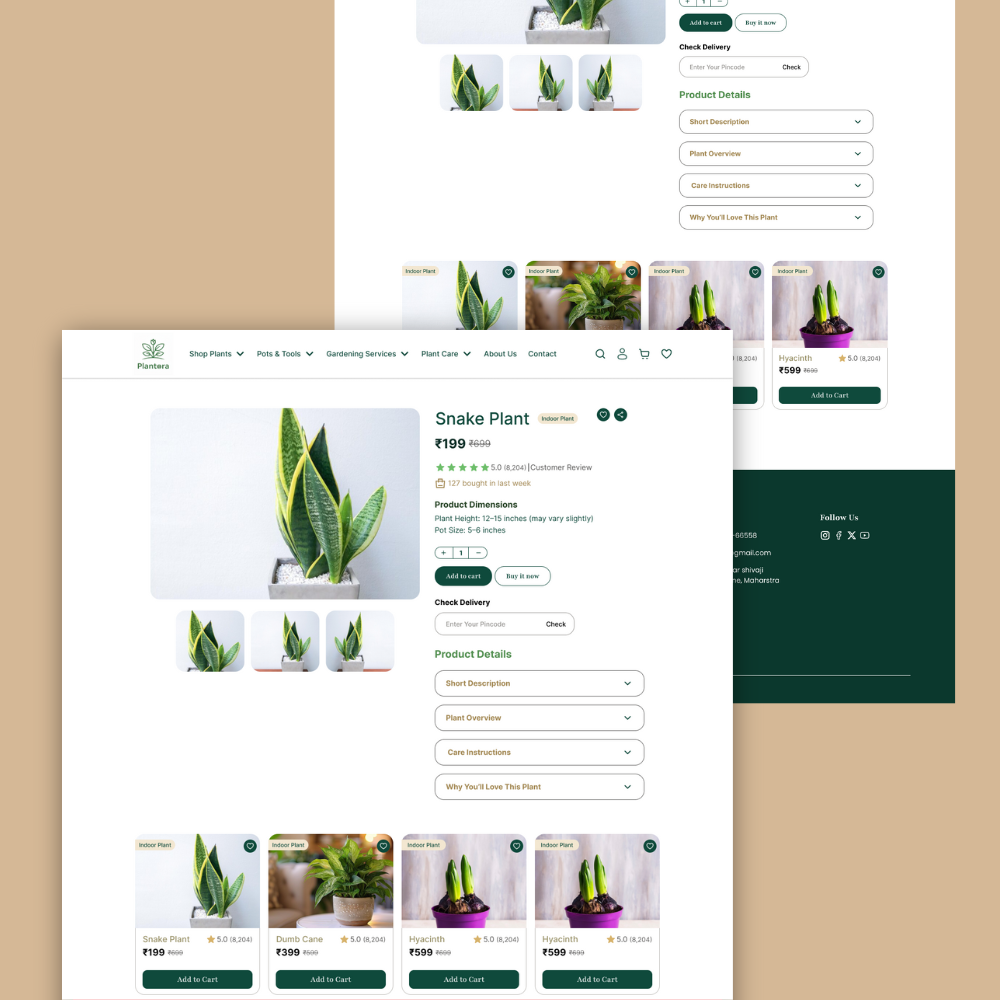
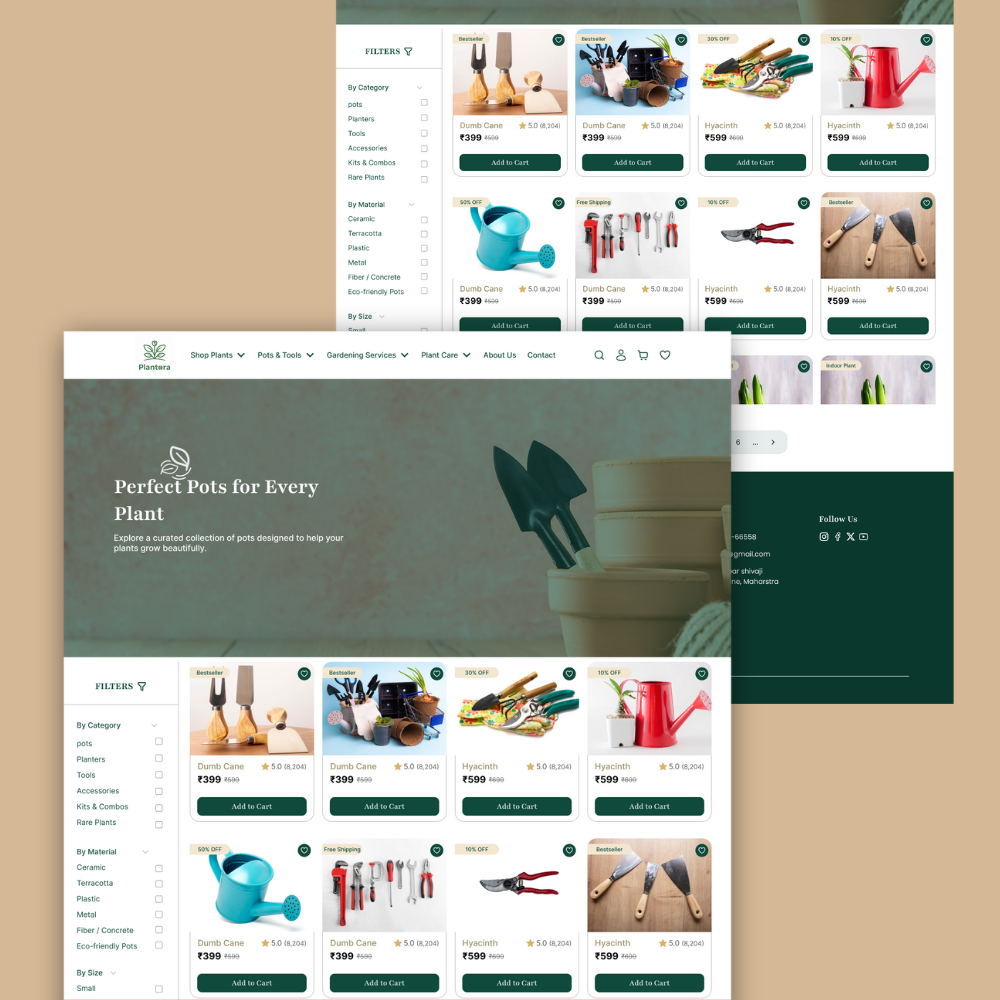
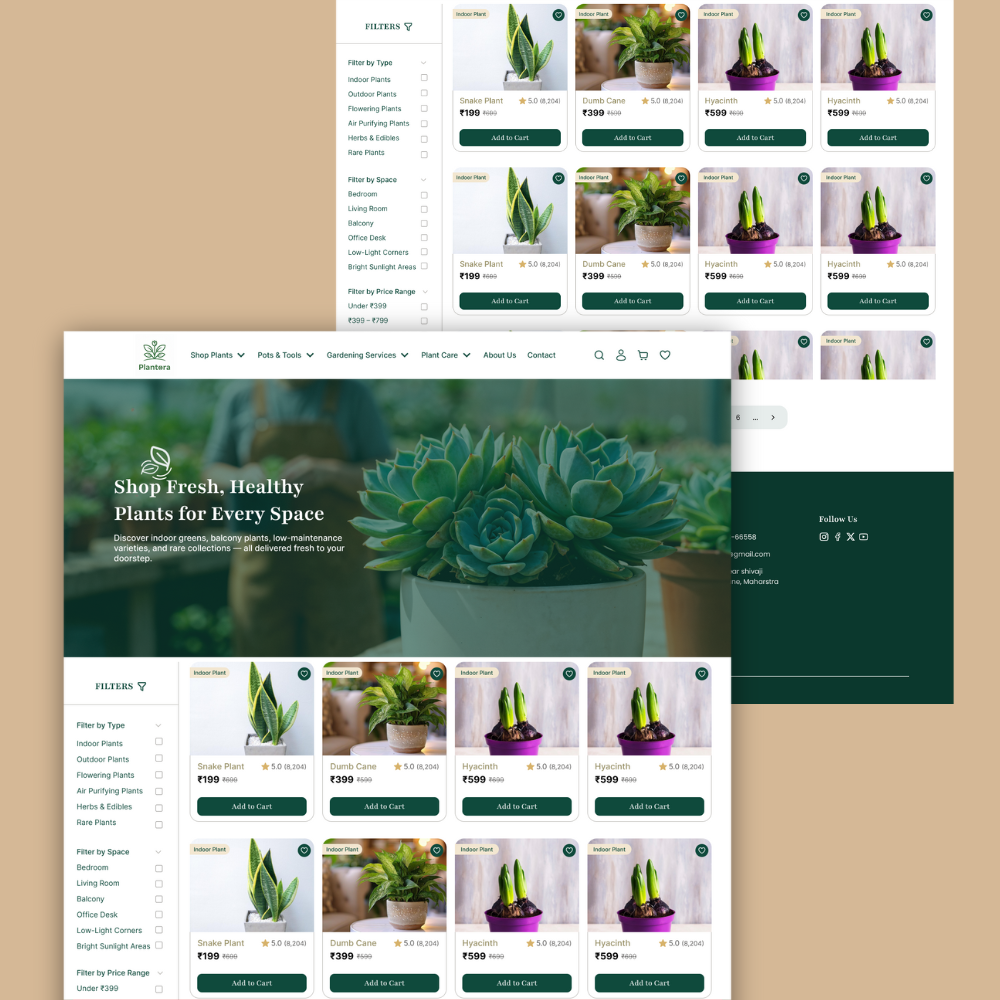
Complete ecommerce website flow: Includes homepage, category listing, product detail, cart, checkout, order status, account, and policy pages to cover the full customer journey.
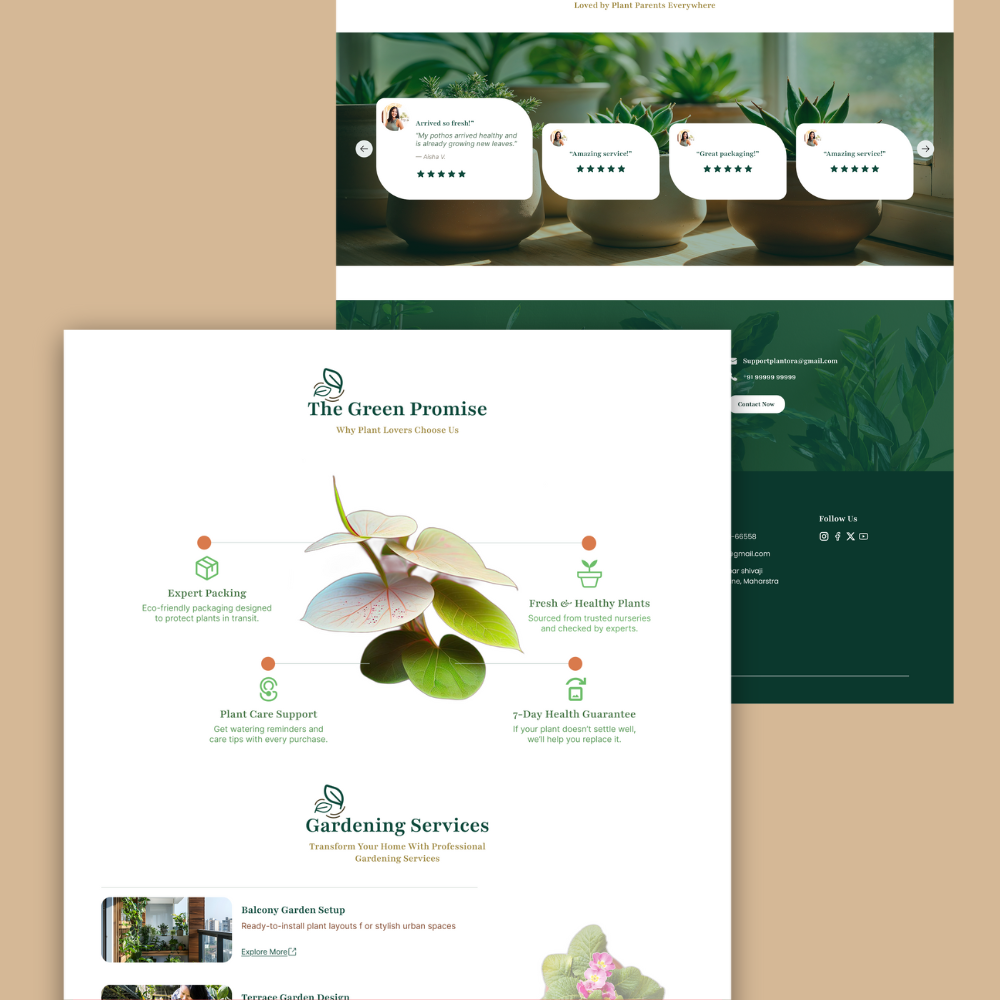
Plant-first visual language: Soft green palette, large imagery, and calm typography tailored for nurseries, plant boutiques, and gardening brands.
Practical components: Navigation bars, buttons, product cards, filters, and footers are set as components so you can update once and reuse across pages.
Content-ready sections: Prebuilt blocks for hero banners, featured plants, categories, testimonials, and offers help you plug in real content quickly.
Developer-friendly structure: Clear hierarchy, grid-based layout, and predictable spacing make handoff smoother for front-end teams.
Easy branding: Swap colors, fonts, and logo in Figma styles to adapt Plantora to any plant shop or eco-store brand while keeping the layout.
Perfect For
- Designers and freelancers who need a ready plant nursery website UI design for ecommerce.
- Plant shops, nurseries, and agencies building web storefronts for gardening or home décor brands.
Requirements
- Figma account (free or paid) and basic knowledge of frames, components, and style editing.
Quick Setup
- Add the Plantora Figma file to your workspace.
- Duplicate it, update color and text styles, and replace the logo with your brand.
- Swap demo images and copy with your products, categories, and policies.
- Share with your developer or export assets to start building the live website.
Ready? Add to cart now.