About this milkshake UI design
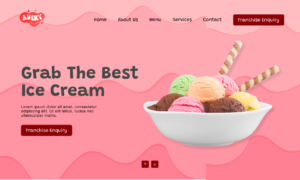
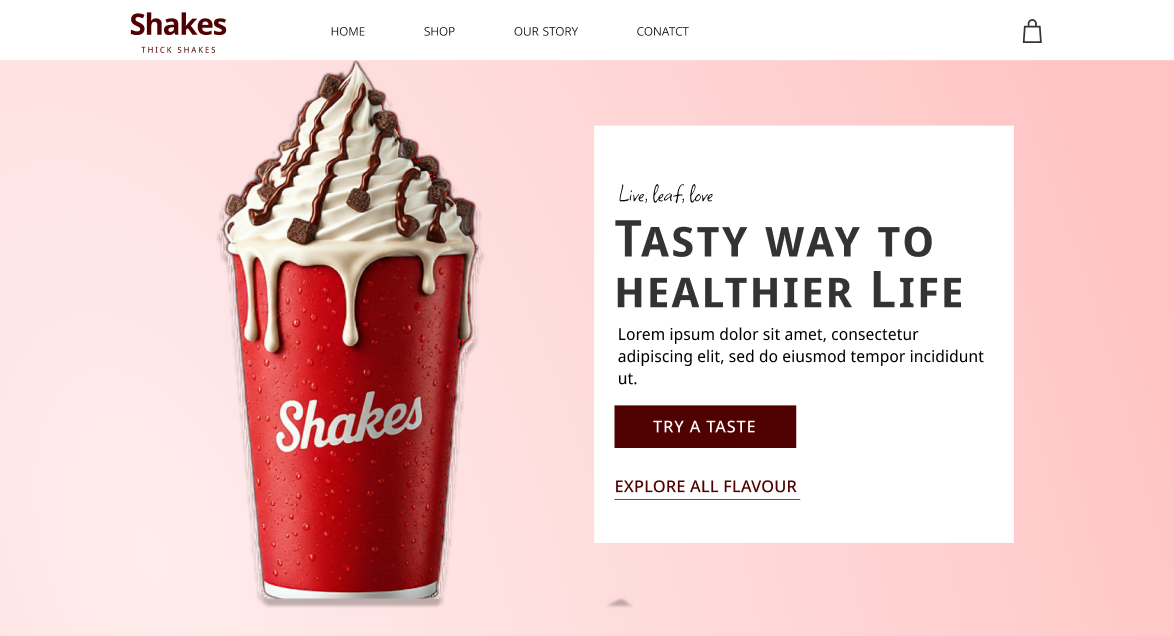
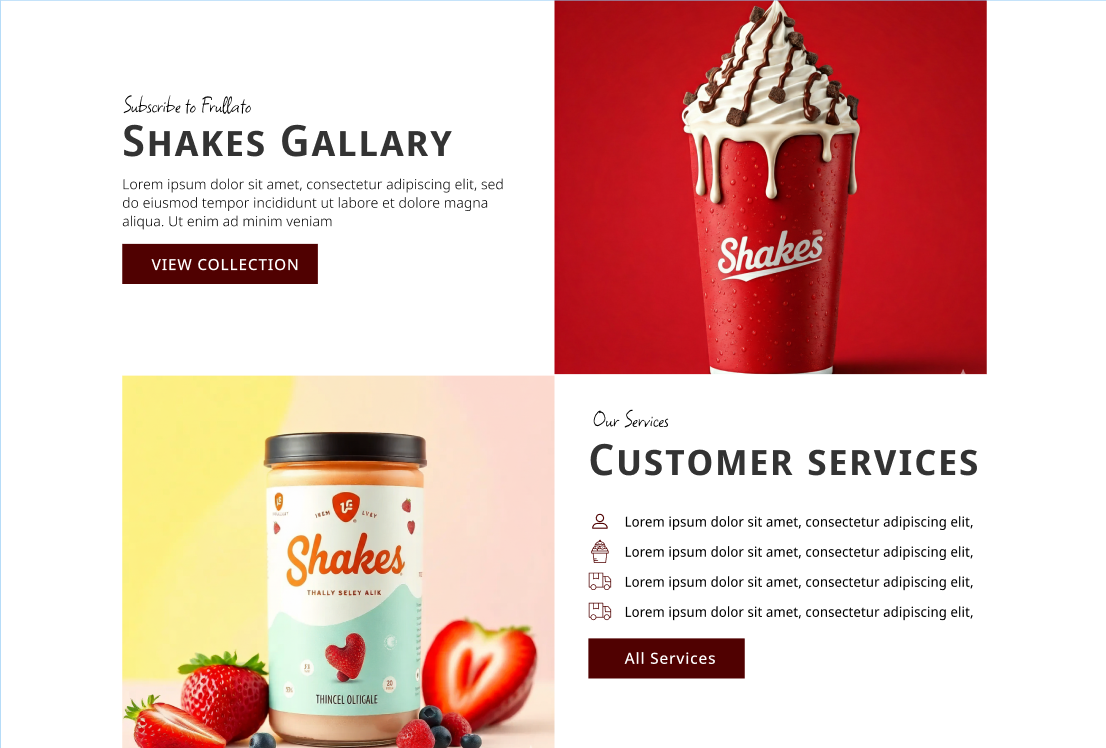
This Figma landing page kit is a focused milkshake UI design built for food and beverage websites that need a fast, clean launch without starting from scratch.
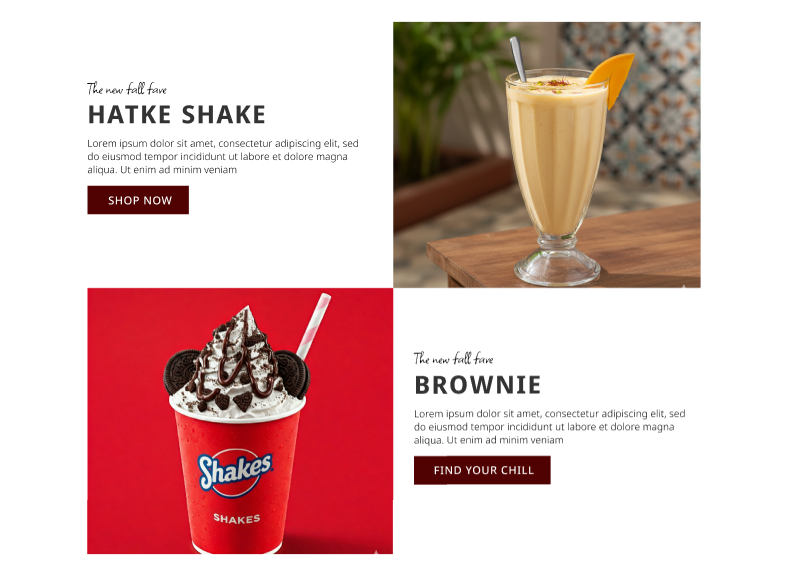
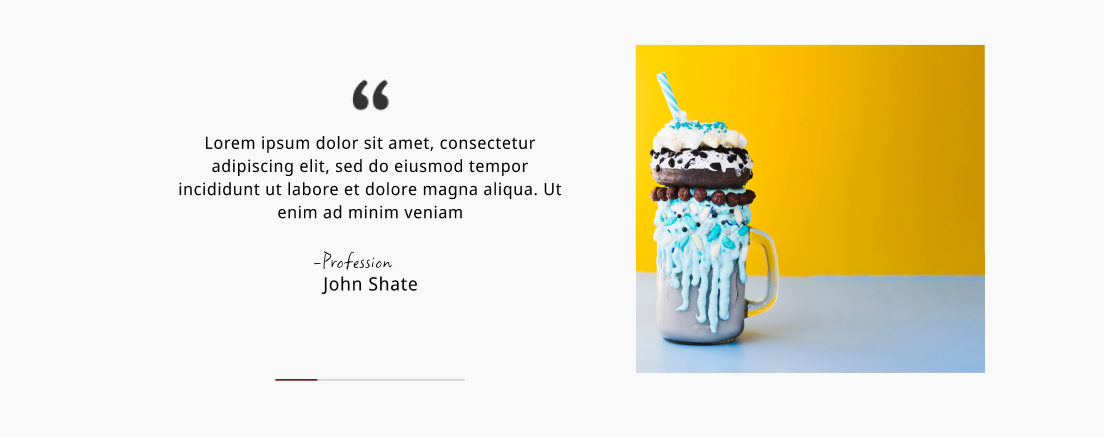
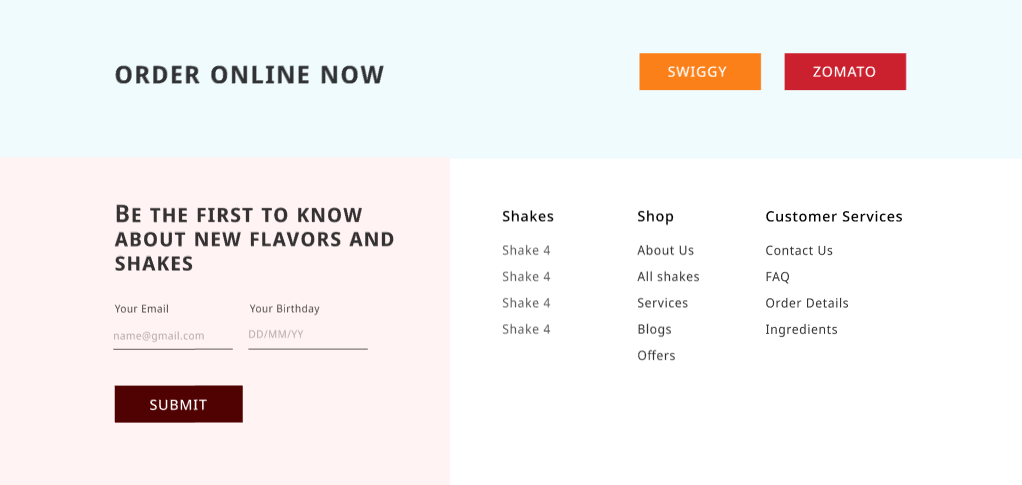
The layout covers hero, product highlights, flavors, services, gallery, testimonials, franchise CTA, and footer, giving you a complete end‑to‑end flow for desktop and mobile.
Use the component library to swap images, update copy, and adjust brand colors in minutes; this milkshake UI design is organized, responsive, and easy to hand off.
What’s Included
- Files: 2 files – 1 Figma (.fig), 1 PDF preview
- Resolution: Desktop 1440×1024, Mobile 375×812
- License: Personal & Commercial
- Compatibility: Figma v121+ (Auto Layout, Variables)
Key Features
Screen library: 24 ready screens (18 desktop, 6 mobile) covering home, menu, collection, product highlight, services, gallery, testimonial, about, contact, and order CTA.
Components: 140+ components with variants for buttons, cards, nav, footers, badges, and form fields to speed up edits and keep visual consistency.
Layout system: 12‑column grid, 4/8 spacing scale, Auto Layout, and smart constraints for quick responsive tweaks.
Styles & tokens: Color variables, text styles (H1–Body), and effect presets so brand updates propagate across the file.
Clean handoff: Named layers, grouped sections, and notes for content slots make collaboration with developers straightforward.
Food‑first visuals: Sections optimized for flavors, seasonal promos, franchise info, and third‑party delivery CTAs (Swiggy/Zomato placeholders).
Perfect For
- Cafes, shake bars, dessert shops, and F&B agencies launching promo sites
- Founders validating concepts with a clear, conversion‑ready layout
- Designers who need a structured starter for food websites in Figma
Requirements
- Figma v121+ to open and edit the .fig file
- Basic knowledge of Auto Layout and Variables for faster customization
Quick Setup
- Open the .fig file and set your brand colors and fonts via Variables and Text Styles.
- Swap product images and update copy in the hero, flavors, and services sections.
- Duplicate screens you need, then export assets or hand off to development.
Ready? Add to cart now.