Overview
This restaurant WordPress theme pairs a static-like front end with a full CMS blog, giving dining brands speed, control, and easy publishing in one package.
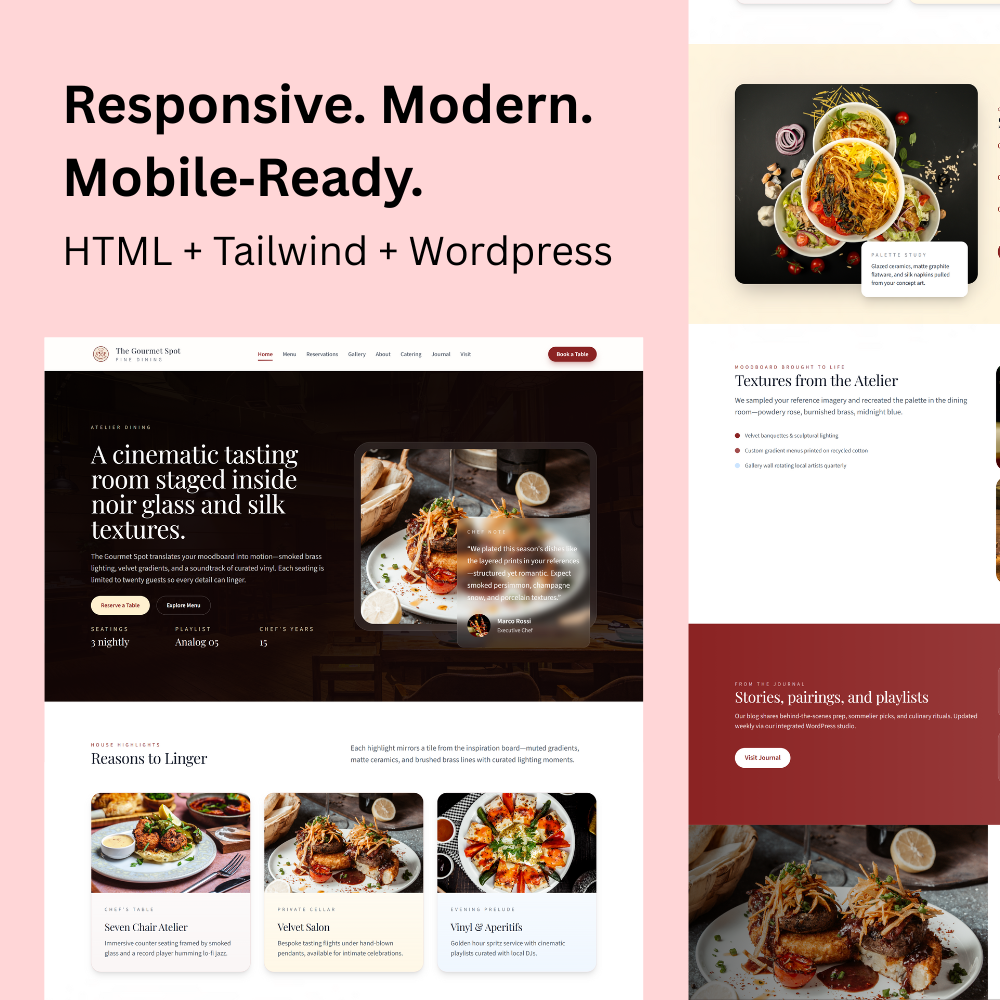
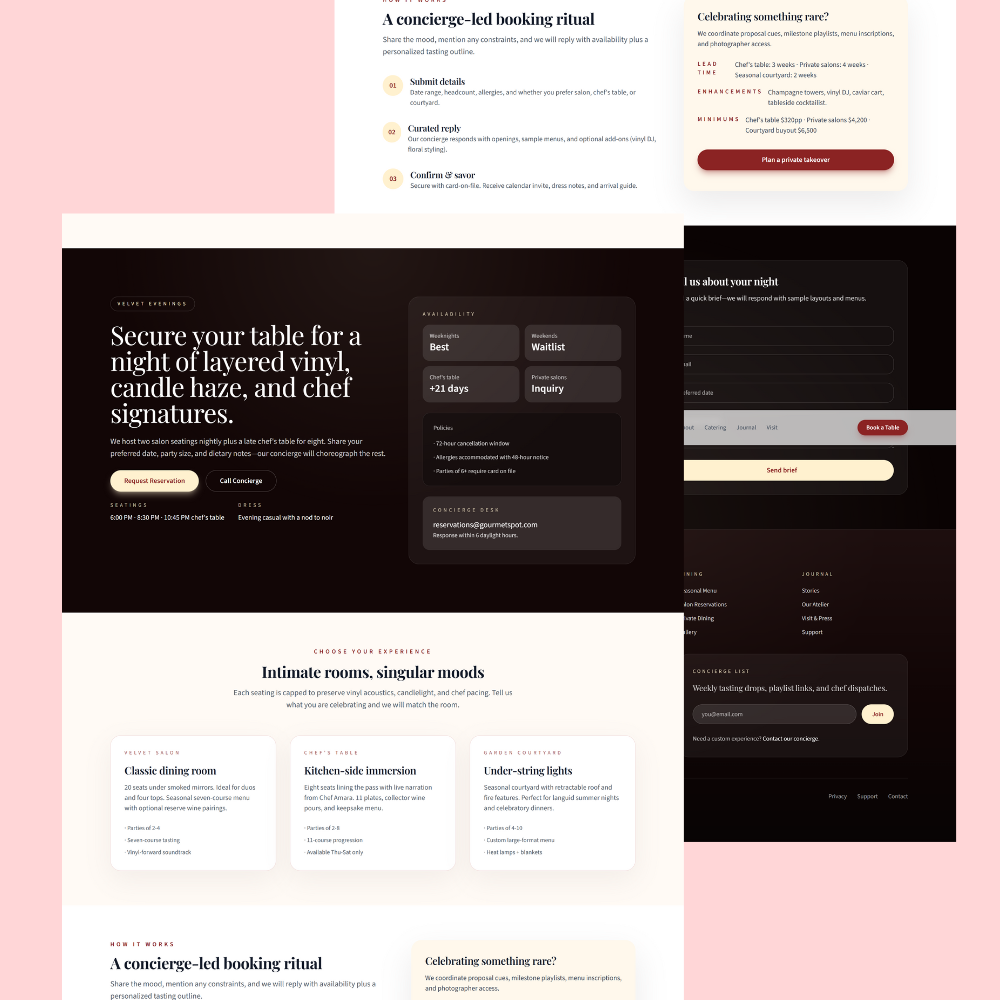
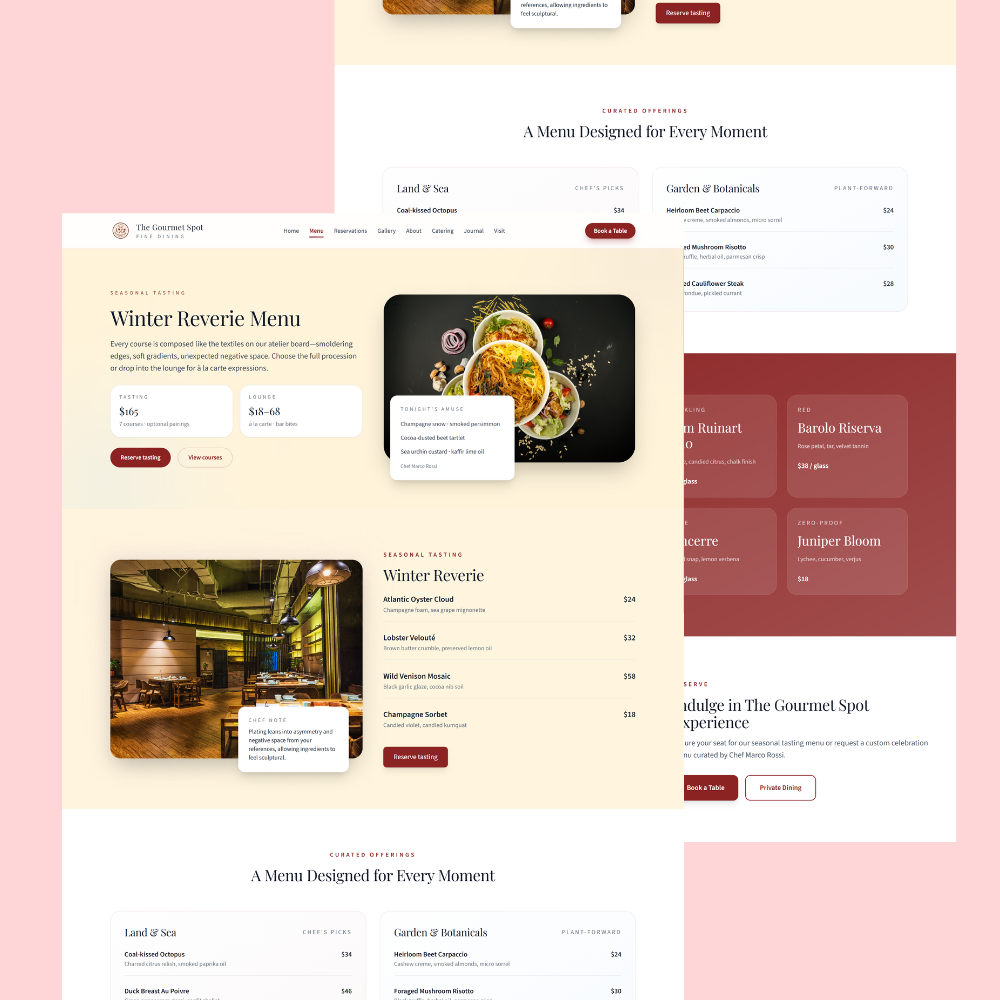
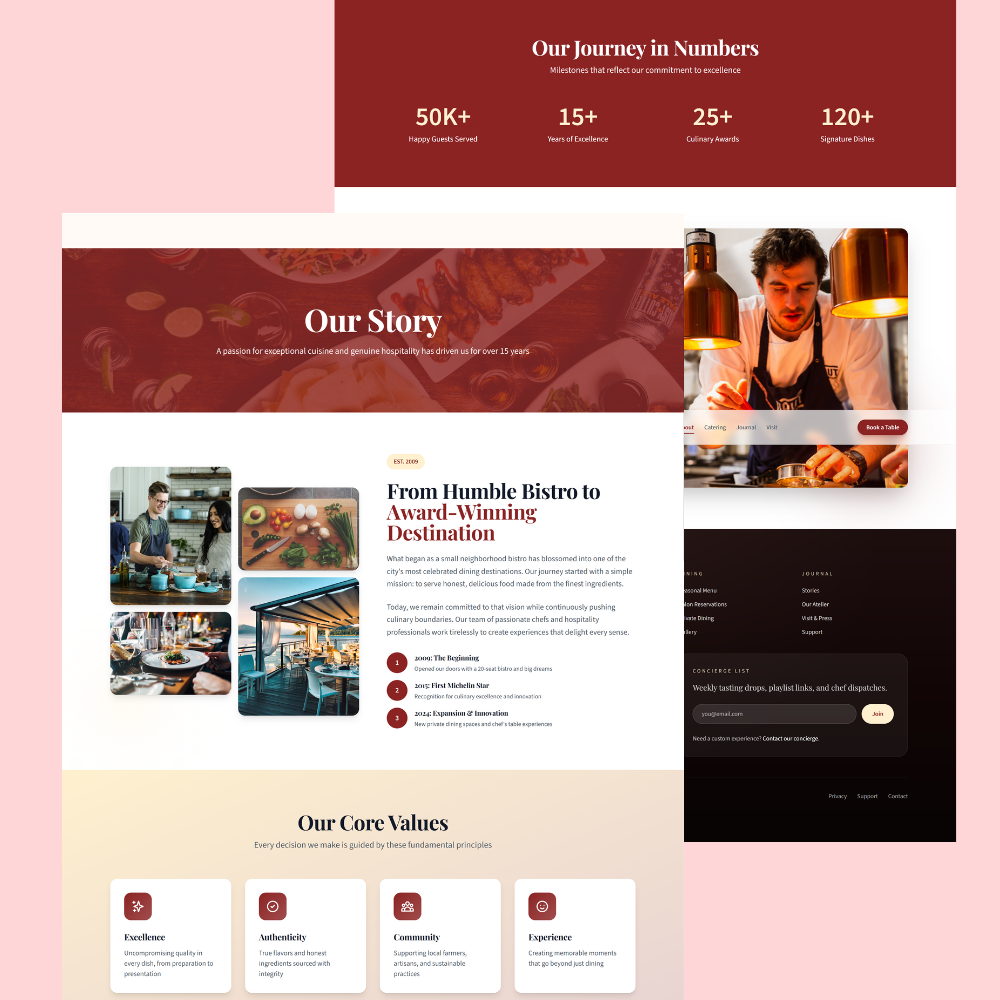
The layout highlights chef stories, playlists, seasonal menus, and reservation calls-to-action so guests can browse and book in under a minute.
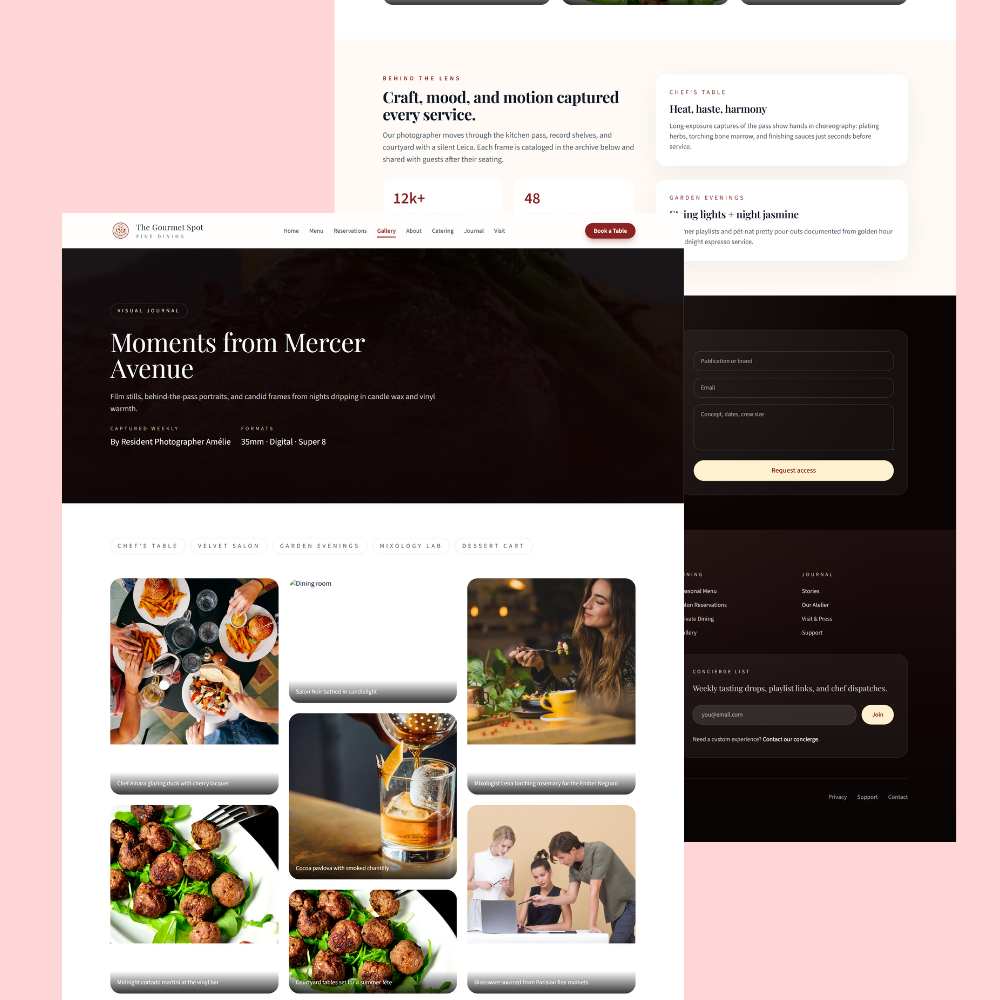
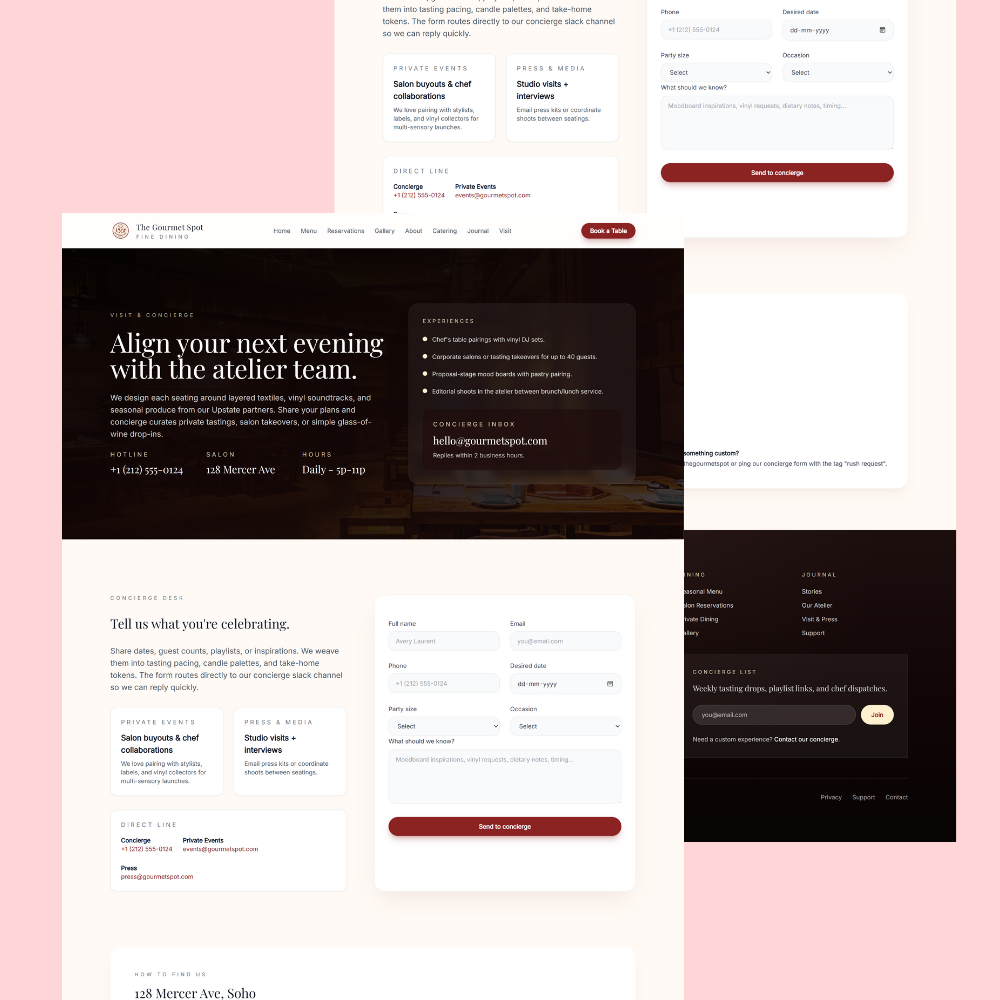
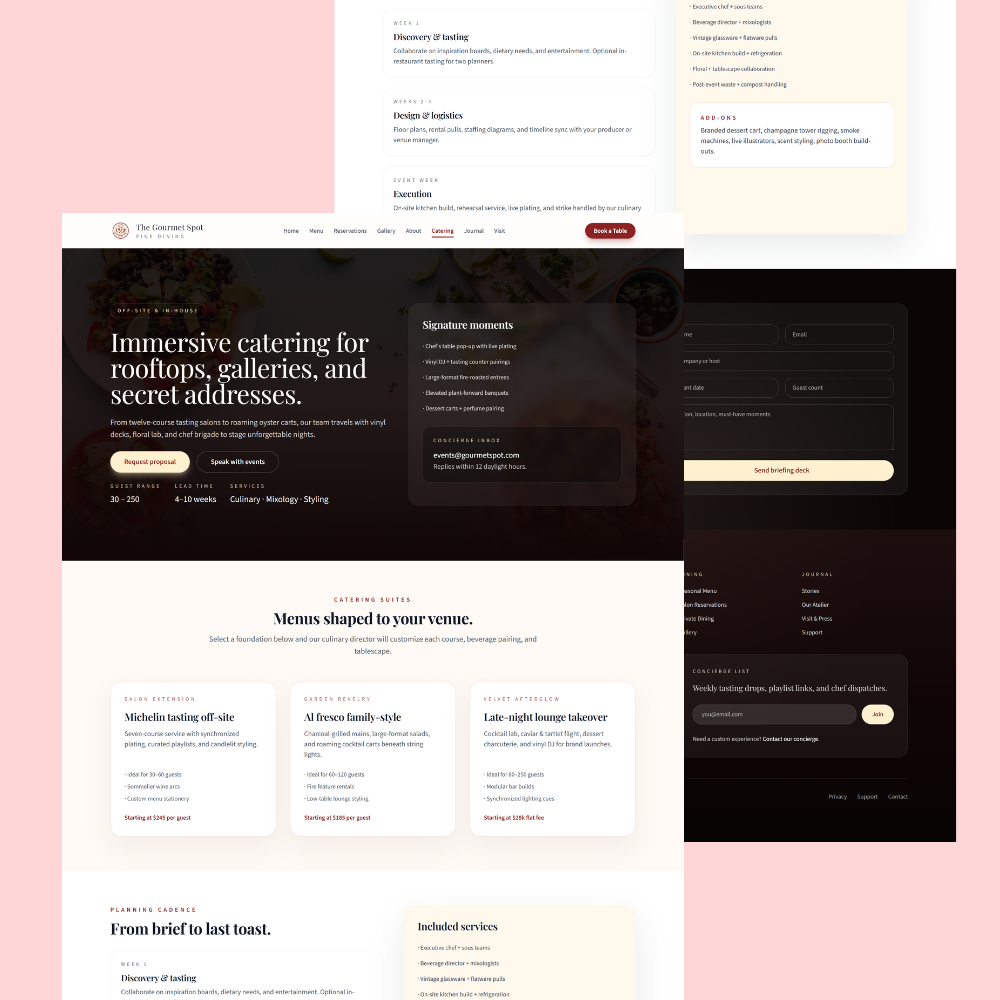
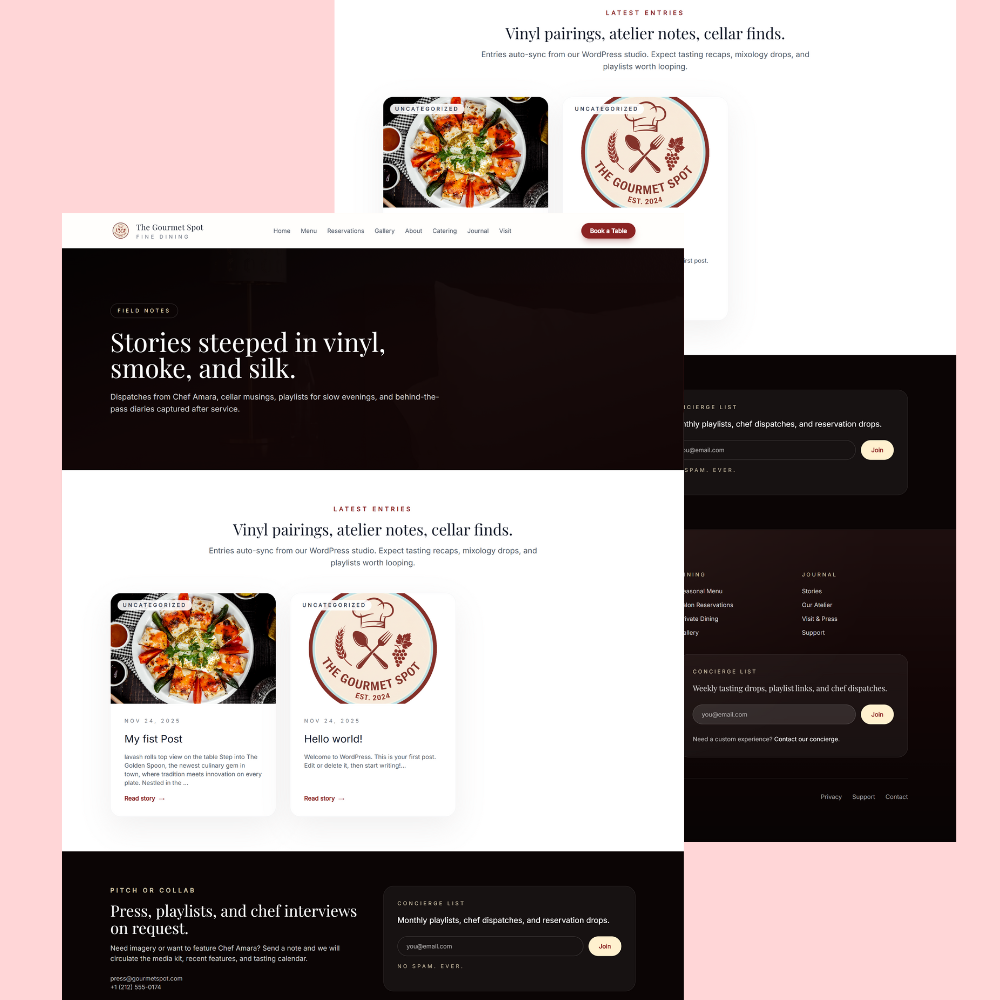
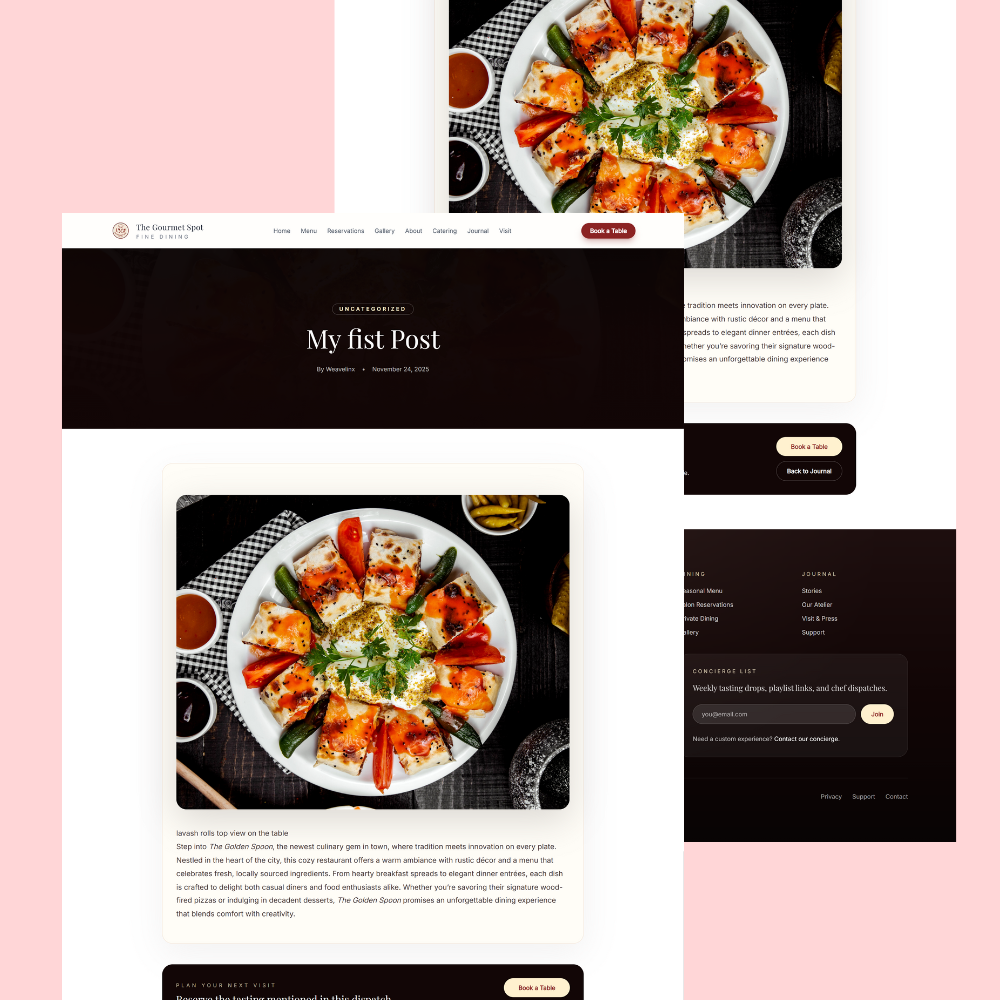
The preview screenshot reflects a dark, cinematic style with rich photography and clear CTAs for “Reserve a Table” and journal updates.
[2]
What’s Included
- Files: 1 ZIP (parent theme + child theme) and sample demo XML, JSON widgets, and documentation PDF.
- Resolution: Responsive layout for 1440px desktop, 768px tablet, and 360px mobile breakpoints.
- License: Personal/Commercial — single-site use with lifetime usage rights.
- Compatibility: WordPress 6.6+, PHP 8.1+, Gutenberg/Blocks, WooCommerce optional, major modern browsers.
Key Features
Booking-ready: Native Reservation CTA blocks with external booking link support and optional OpenTable/Calendly embeds to reduce friction at checkout.
CMS Blog: Chef journal, playlist notes, and press posts with categories, tags, and schema for better discovery.
12+ Templates: Home, Menu, Tasting Room, Private Dining, Gallery, About, Journal, Single Post, Contact, and 4 utility pages for a complete site.
Demo Import: One-click starter content for menus, playlists, and seasonal courses to launch in 60 minutes.
Performance: Lightweight blocks, image guidelines, and clean schema for fast loads and better rankings.
Design System: Dark theme, layered photography modules, and accent color controls to match brand palettes.
Perfect For
- Fine dining, bistros, chef-led concepts, pop-ups, and private dining rooms that need booking-first UX.
Requirements
- WordPress 6.6+ with block editor enabled; optional WooCommerce for gift cards or add-ons.
Quick Setup
- Install parent and child theme, then activate child.
- Run demo import to create pages and navigation.
- Replace menu images, set booking link, and update contact details.
- Customize colors, typography, and footer details.
- Publish blog categories and your first chef journal post.
Ready? Add to cart now to launch a fast, elegant restaurant WordPress theme with CMS blogging and conversion-focused booking.